
Every video is a production
A shoot, an editor and rounds of changes for each video means calendars set the pace, not ideas.
AI Video Generation
We turn a script or a few talking points into on-brand videos. You approve the storyboard first. Licensed AI presenters, voices and your brand template then produce the cut, and you review it before anything is final. Every asset comes with its licence, and AI-made content is labelled wherever a platform asks.
At a glance
Timelines are typical ranges for the scope noted. Prices are the published starting prices; your proposal fixes yours.
From storyboard to render
Scroll into the monitor to reach the sample storyboard. The scenes are invented for illustration and belong to no client or brand.

Sample storyboard
Play the storyboard below, or read it as a table. This is the stage where you change words, order and pacing, before anything is rendered.
Scene 01 / 04 · Hook
Work late. See clearly.
Loading the storyboard player…
Five talking points about a new desk lamp became a four-scene script, approved before render.
01Hook6 s
02Problem8 s
03Product10 s
04Call to action6 s
Sample cut length: 30 seconds across 4 scenes.
The problem
A shoot, an editor and rounds of changes for each video means calendars set the pace, not ideas.
Each platform wants its own shape and length, so one idea turns into five edits.
Different editors and tools drift on fonts, colours and voice until the series stops looking like one brand.
Pipeline
Each stage hands you a concrete deliverable and stops at a gate. Nothing moves on until you approve it.
Goal, audience, channels, claims you can stand behind
GateYou confirm what may be said
An AI first draft from your points, edited by us
GateYou approve the words
Frames with shot, on-screen text, voiceover and timing
GateYou approve order and pacing
Presenter, voice and scenes in your brand template
GateOur rights check: every asset licensed
A draft cut with the script and asset list
GateYou approve, or send notes within scope
Rights and consent
Avatars, voices, music and stock are used under licences that cover your channels. You get the list.
We never put a real person’s face or voice on screen without their written consent for that use. A voice clone of your founder needs the founder’s signature.
We do not make AI-generated testimonials, reviews or endorsements. Real customer stories need real customers, filmed by you, with their consent.
Product claims in a script come from material you approve. Unsourced claims go back to you before export.
If you supply images or video, you confirm you hold the rights. We flag anything that looks borrowed.
AI-content disclosure
Formats
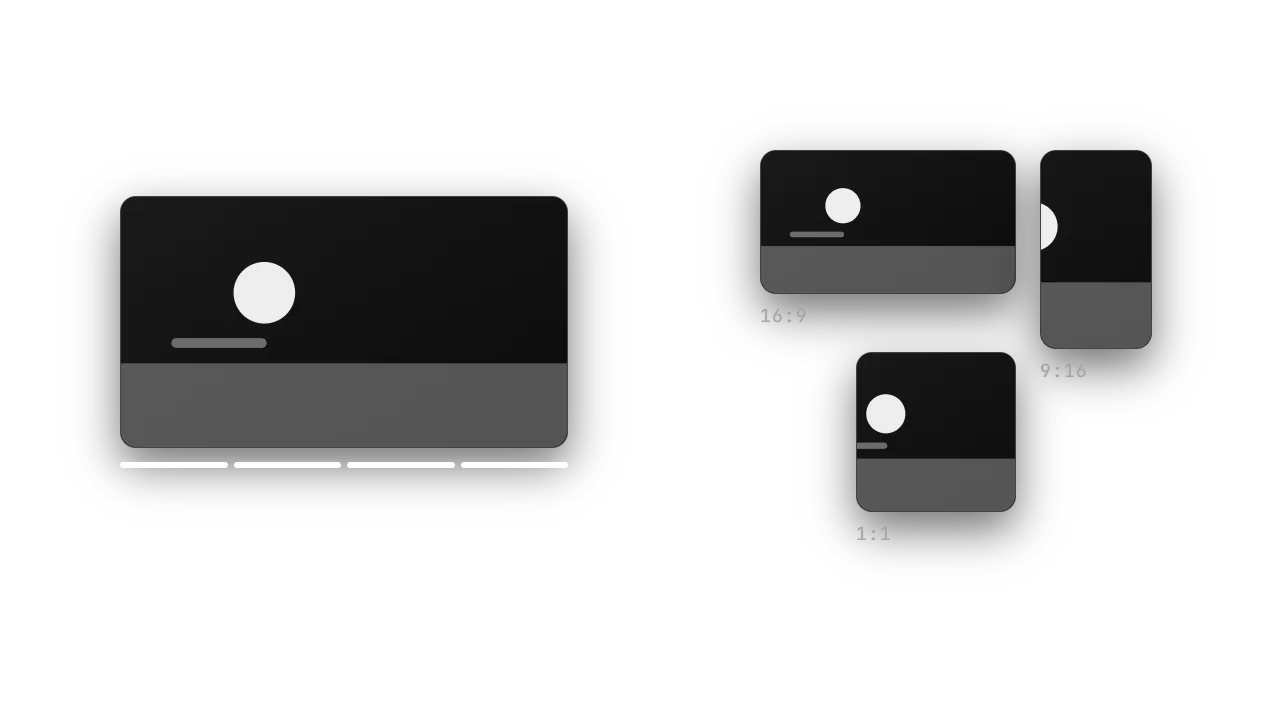 Sample data
Engineering decisions
Rendering is the expensive step, so words, order and pacing are signed off first.
Colours, fonts, logo placement and transitions live in one template, so a series stays consistent.
Each avatar, voice, track and clip is logged with its licence before export.
Any real person’s likeness or voice needs written consent for the stated use, stored with the project.
Script claims trace back to material you approved. An unsourced claim blocks the export.
We will not generate a customer’s voice or a review, however it is framed.
Subtitles ship burned in and as a separate file, for accessibility and silent autoplay.
An optional AI end card, plus platform disclosure settings on every upload we manage.
Final exports, the template and the script are yours, so re-edits never depend on us.
The proposal states how many review rounds are included, so the timeline holds.
How it works
Scenes are built from code-based video templates that read your script and brand settings, the same approach that renders the explainer videos on this site. Re-rendering a format or language takes minutes, not a new edit.
Fully generative video is good for mood shots but hard to keep on brand from clip to clip. We use it for B-roll inside templates, not for the whole video.
Each draft cut waits for your reviewer, with the script, on-screen text and asset list attached. Notes go into a revision within the agreed rounds.
Skipping review is faster on paper. In practice one wrong claim or name in a published video costs more than a review round.
A licensed AI presenter suits explainers and training. Voiceover over motion graphics suits product and ad cuts. We recommend one per video in the storyboard.
A presenter in every ad wears thin fast, and motion graphics alone can feel cold for training. Mixing by purpose keeps a series watchable.
Inputs and tools
Evaluation checklist
What to expect
Targets we plan to, stated with their basis. They are not results from client projects.
Typical target
3–5 days for a standard batch
Turnaround after script approval
Basis: Short-form videos in an existing template, where review rounds rather than rendering set the pace
Typical target
Hours, not days, once the template exists
Extra format or language versions
Basis: A locked template re-renders from the same approved script; only review time adds up
Typical target
None, by design
Assets exported without a licence record
Basis: The rights check logs every asset before export, and unclear rights block the export
Typical targets are what we design and test for, with the basis stated. They are not results from a client project and not a guarantee; your proposal sets the targets for your scope.
Process
Day 1
Your script, or our AI first draft from your talking points, edited until you approve it.
Day 1-2
Storyboard, then the presenter, voiceover and scenes inside your brand template.
Day 2-3
Your notes on pacing, scenes or tone, applied within the agreed review rounds.
Day 3-5
Every requested format and resolution, subtitled, with the licence list and project files.
Day ranges are typical for the scope described; your proposal fixes the timeline before work starts.
Engagement
Large campaign or training-library projects are quoted on volume, length and formats. Avatar, voice and stock licences are billed at cost or held on your accounts. The proposal lists each one with its terms.
Billed at cost, outside our fees: AI model and API usage · Telephony minutes for voice agents · WhatsApp Business messaging fees · Hosting · Paid software subscriptions. See full pricing
We are a founder-led studio: the person who scopes your video project oversees every render and revision.
Explainer
Explainer · 11 slides · about 54 s
Sample dataHow we turn a script and your brand kit into on-brand videos with licensed AI presenters, a rights check and your review before every final cut, shown with a sample product video.
Slide 1 of 11
01 · AI Video Generation
Professional AI videos in days, not weeks.
Branded videos from a script, without a studio shoot.
02 · The problem
Video works, but making it is slow and costly.
A typical team needs more video than its budget can shoot.
03 · What we build
A template-driven video pipeline for your brand
We build your templates, then make videos in batches you review.
04 · How it works
From script to final cut
Script and brand kit set one template. Every cut gets a rights check, then your review.
05 · Inputs and integrations
What goes in, and what comes out
You bring the script and brand; we deliver each format, subtitled.
06 · One run, step by step
One product video, start to finish
Talking points become a script, a draft, your notes, then three approved formats.
07 · Guardrails
Rights and review are built in
Unclear rights? Unsourced claims? Both are fixed before export.
08 · Approval gate
Nothing ships without your approval
Every draft waits for your reviewer, script and assets attached.
09 · What you get
Delivered with every project
You own the videos, the template and the license list.
10 · Typical timeline
From approved script to delivery in days
Typical delivery: three to five days after the script is approved.
11 · Next step
Bring the video you keep putting off
Book a strategy call and bring your next video idea.
Worked examples
Concept builds are worked examples, not client work.
 Concept build
AI Video
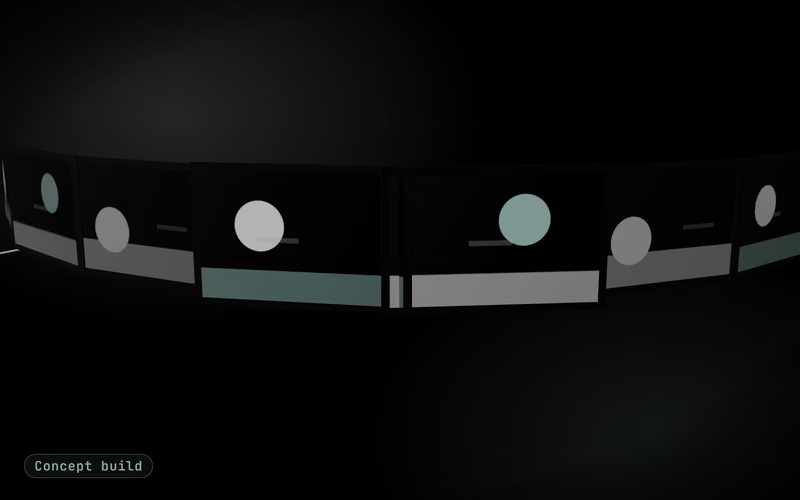
A concept build for a pipeline that turns a listing’s own data and licensed photos into short vertical and widescreen videos on one brand template. A model writes scene captions only from the listing fields, every number on screen is checked against the record, and nothing is published until a reviewer at the portal approves it.
 Concept build
AI Video
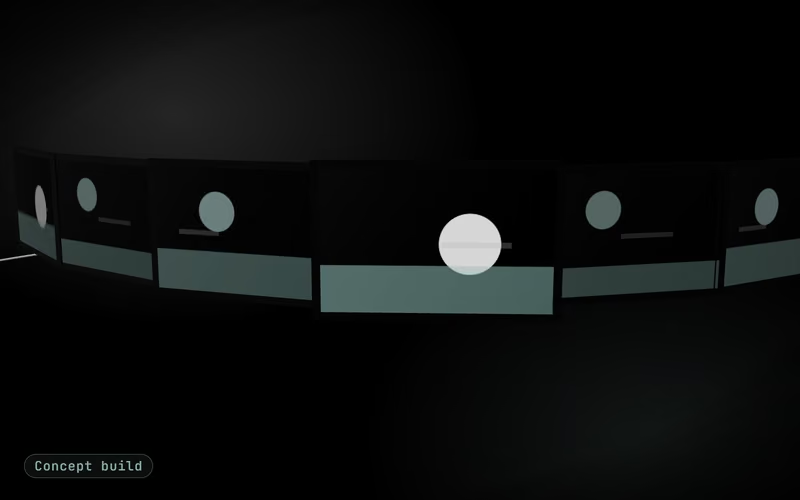
A concept build for a pipeline that turns a teacher’s lesson outline into a captioned explainer video, with the teacher’s review at the centre of every step. A model drafts the script, the teacher edits and approves it, and slides, captions and the render follow automatically before the video is uploaded to the LMS.
Related
FAQ
A starter batch of short-form videos starts at $497. A continuous content pipeline runs on the $997/month Growth plan. Large campaigns or training libraries are quoted on volume, length and formats. Avatar, voice and stock licences are listed in the proposal.
Not with AI. We do not generate testimonials, reviews or endorsements, because a made-up customer voice misleads viewers and breaks advertising rules. If real customers agree to share their story, we can edit footage you film with their consent.
Yes, with their written consent for the specific uses, stored with the project. Otherwise we use licensed stock presenters whose terms cover your channels. We never recreate anyone else’s likeness or voice.
They will wherever the rules ask. We set platform disclosure options on uploads we manage, can add a short “Made with AI” end card, and give you the wording for uploads you manage yourself.
Yes. You approve the script and then the storyboard, with every scene’s shot, on-screen text, voiceover and timing, before rendering starts. Changes at that stage are quick. After render, notes go into the agreed review rounds.
You own the final exports, the script and the brand template once paid in full. Third-party assets stay under their licences, which we list for every video, so you know exactly where each one may run.
Yes. The script is translated and checked, then the voiceover and subtitles are re-rendered in the same template. Each language gets its own review, because a translation can change on-screen timing.
No studio is needed. A script or talking points and your brand kit are enough. Product photos or screen recordings you own make videos more specific, and you confirm you hold the rights to anything you send.
Next step
On a free call we scope formats, volume, templates and the licences each video will need.
Free 30-minute call · no commitment
