

Research lives in five places
Answers sit across websites, documents, the CRM and inboxes, and someone copies them into one place before anything is decided.
AI Agent Development
We build agents that break a task into steps, call only the tools you allow and check each result against your rules. Before anything is sent, paid or changed, they stop for a named person’s approval, and every step is logged.
At a glance
Timelines are typical ranges for the scope noted. Prices are the published starting prices; your proposal fixes yours.
One run, readable
This sample agent may search the web and read the CRM. Any write waits for approval, and payments are not on its allow-list. Choose the next tool to see what happens.

Web searchRead-only, allow-listed
Runs on its own; sources are cited
CRM recordRead, plus write to notes
Every write waits for approval
EmailDraft only
Drafts go to a person; the agent cannot send
PaymentsNot on the allow-list
Blocked; the task escalates to a person
The problem
Answers sit across websites, documents, the CRM and inboxes, and someone copies them into one place before anything is decided.
A fixed workflow breaks when the next step depends on what the last one found. People end up doing the glue work: checking, choosing and re-running.
When a task runs through someone’s head and a dozen tabs, nothing records the sources, the choices or who approved the result.
Honest scoping
Agents cost more to run and test than a fixed workflow. If one of these is true, we recommend something simpler.
If every case follows the same path, a workflow with retries is cheaper and easier to test.
Instead: Workflow automationAnswering from your documents is a chatbot with citations, not an agent.
Instead: AI chatbotsApproval gates need a named reviewer. If no one will review, we narrow the scope until no review is needed.
Patterns we build
Each pattern names the tools it needs and the point where a person signs off.
Turns public sources and your records into a cited brief before a call or a bid.
Fills missing fields on leads, products or accounts, each new value traced to its source.
Reads requests from forms or inboxes, gathers context and routes each one with a summary.
Compares documents with records and flags mismatches, such as an invoice against its order.
Researcher, writer and reviewer agents pass work along fixed handoffs when one context would get too large.
Engineering decisions
Defaults written into the code and the proposal, not settings someone has to remember.
The agent can call only the tools we register, each with the narrowest scope it needs. Read-only is the default.
Anything that sends, pays, deletes or changes a record waits for a named person. The request shows the proposed action, the plan and the sources.
Every run has hard caps on steps, time and model spend. Hitting one stops the run and escalates it, so a loop can never run up a bill.
The model chooses the next step, but a state machine in code decides which transitions are allowed. The model cannot skip the policy check.
Task memory lasts one run and case memory stays with one account. Retention rules come from you. Memory is never shared across clients.
Web pages, emails and documents are data, not instructions. Text that tries to redirect the agent is ignored and logged.
Tool calls are checked against a schema and carry an idempotency key, so a malformed or repeated call never writes twice.
Every plan, tool call, input, output, policy decision and approval is stored under one run id, in plain language an operations lead can audit without reading code.
We test real tasks from your business, including edge cases and attempts to misuse it. The same set re-runs before every prompt or model change.
How it works
A planner model reads the task and its memory, picks the next step and calls one registered tool. Results feed back into the plan until the task is done or a limit is hit.
Broad tool access is quick to demo and hard to audit. We trade some flexibility for routes you can list, test and explain.
A policy check in code asks: is the tool allowed, is the action critical, is confidence high enough? Critical actions wait at the gate for a person.
Fine for read-only tasks. For writes, a mistake would already be in your systems, so we gate first.
When a reviewer edits or rejects a proposal, the reason is logged. We turn those logs into prompt, rule or test-set updates and re-run the scenarios before shipping.
Self-updating agents drift in ways nobody approved. Every behaviour change stays visible, reviewed and tested.
Most tasks need one agent with a few tools. We split work into specialist agents (researcher, writer, reviewer) only when one context gets too large, with handoffs fixed in code.
More agents mean more prompts to test and more places to fail.
Tools and models
Each tool gets the narrowest permission the task needs. Vendors named here are in our build stack; anything else connects through its API.
Evaluation checklist
Ask them of us, or of anyone else you are talking to. A vague answer to any of them is a risk.
What to expect
These are targets we set and test against before launch. They are not results from client projects.
Typical target
60–80% of in-scope tasks after tuning
Runs that finish without escalation
Basis: Measured on your scenario test set before launch; the rest go to a person by design
Typical target
5–15 minutes of review instead of the manual task
Reviewer time per task
Basis: Research and enrichment tasks with 4–8 tool calls, compared with the timed manual baseline we record in discovery
Typical target
None, by design
Critical actions taken without approval
Basis: Enforced by the policy check in code, not by the prompt, and tested with misuse scenarios before launch
Typical targets are what we design and test for, with the basis stated. They are not results from a client project and not a guarantee; your proposal sets the targets for your scope.
Process
Day 1-2
We agree the task, what the agent decides, what it escalates, which tools it may use and what a finished run looks like.
Day 3-5
We design the plan steps, tool schemas, memory scopes, limits, approval gates and fallback behaviour.
Day 5-10
We tune prompts, rules and tool schemas against your scenario test set. No model is retrained on your data.
Day 10-14
The agent launches in shadow mode with run logs, alerts and the approval screen, then takes on more as the logs earn it.
Day ranges are typical for the scope described; your proposal fixes the timeline before work starts.
Engagement
Complex multi-agent systems are quoted custom after we define the scope together. Model and API usage is billed at cost, on accounts in your name where possible. Your proposal estimates it per run from your volume.
Billed at cost, outside our fees: AI model and API usage · Telephony minutes for voice agents · WhatsApp Business messaging fees · Hosting · Paid software subscriptions. See full pricing
The person who scopes your agent’s tools and guardrails is the person who builds it.
Explainer
Explainer · 11 slides · about 54 s
Sample dataHow we build an agent that plans multi-step work, calls only allow-listed tools, checks each result against your rules and waits for approval on critical actions, with a sample task.
Slide 1 of 11
01 · AI Agent Development
AI agents that think, decide, and act.
Agents that plan, use your tools and stop for approval.
02 · The problem
Some work is a chain of steps, not one question.
A typical team spends hours gathering and checking information.
03 · What we build
An agent with a plan, a toolset and limits
Our agents call only the tools you allow and log every step.
04 · How it works
How an agent runs a task
The planner picks a step, an allowed tool runs it, and a policy check decides what happens next.
05 · Inputs and integrations
The tools an agent may use
Each tool is allow-listed with only the access the task needs.
06 · One run, step by step
One research task, start to finish
The agent plans, searches, flags a conflict, then waits for approval.
07 · Guardrails
Hard limits, set before any code
Below the confidence threshold, the agent stops and hands the task to a person.
08 · Approval gate
An approval gate before critical actions
Critical actions wait at a gate, with the plan and sources.
09 · What you get
What ships with every agent
You get the agent, guardrails, run logs and a scenario test set.
10 · Typical timeline
Scoped to deployed in about two weeks
A typical agent goes from scoping to deployment in ten to fourteen days.
11 · Next step
Pick the task worth handing over
Book a strategy call and we’ll scope your first agent.
Worked examples
Concept builds are worked examples, not client work.
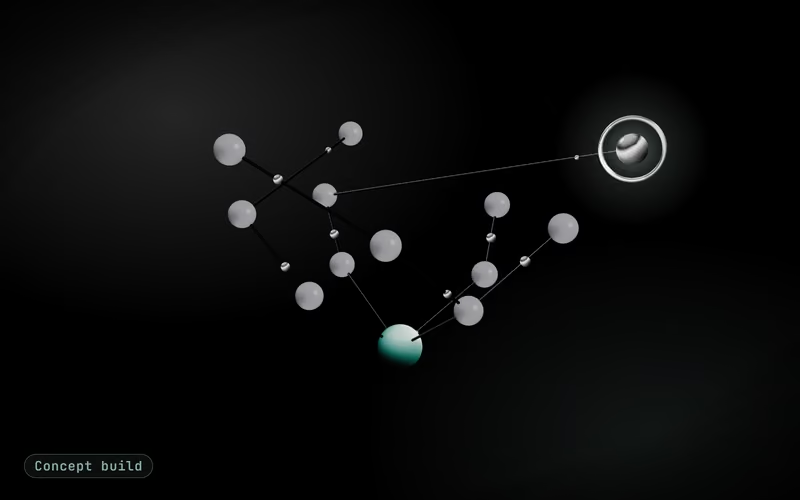 Concept build
AI Agents
A concept build showing how we would build an AI agent that qualifies property leads on WhatsApp and website chat at any hour. It would ask about budget, area and timing, score each lead against the agency’s own rubric and book viewings for qualified buyers, so agents spend their time with people who are ready to view.
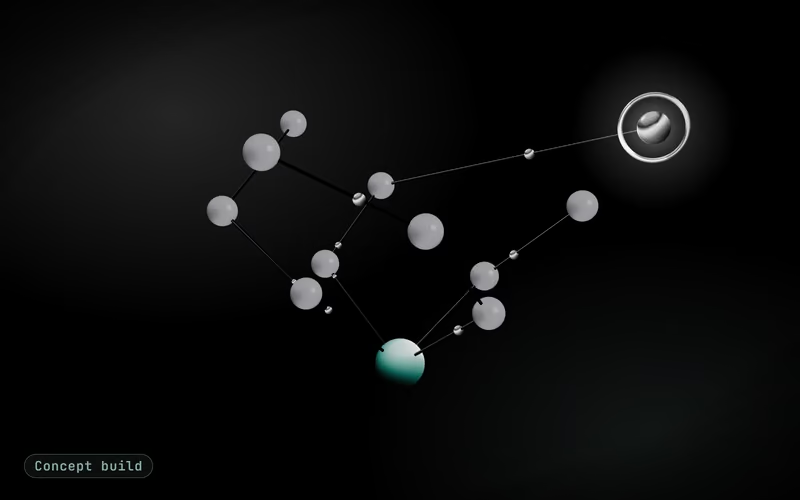 Concept build
AI Agents
A concept build for a US online marketplace where sellers upload products with thin titles and half-empty attributes. An agent reads each new listing and the supplier’s spec sheet, fills category attributes and a description from that data only, validates the result against the category schema and sends it to a merchandiser for approval. Nothing publishes without a person.
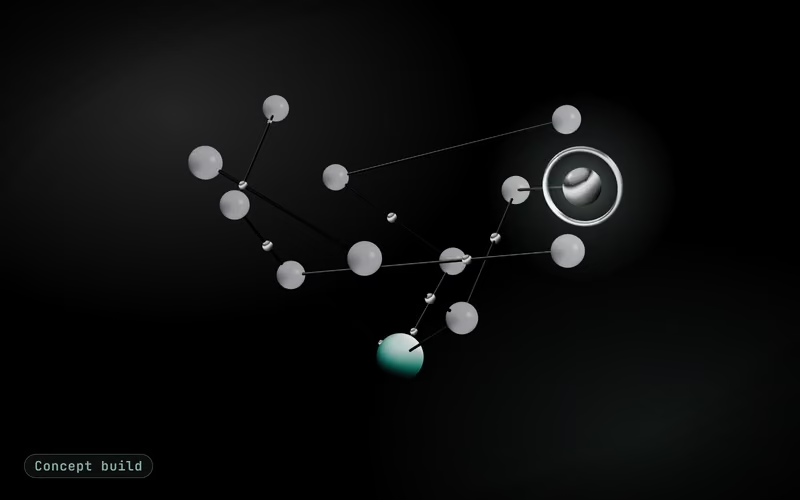 Concept build
AI Agents
A concept build for a research agent that prepares a cited company brief before a sales call, so reps start from checked facts, not a pile of browser tabs. It plans its own research, works only through allow-listed tools, links every line to a source, and drafts a CRM note that a rep approves before anything is saved.
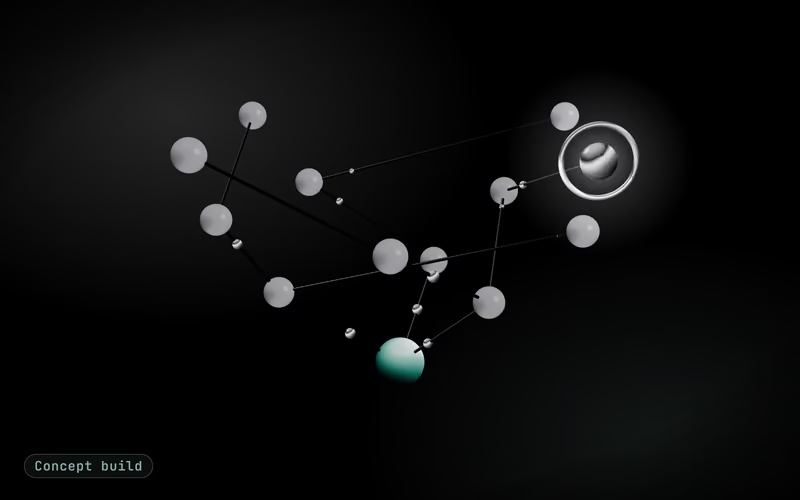 Concept build
AI Agents
A concept build for the purchasing team of a UAE trading and distribution company that chases overseas suppliers by hand for order confirmations, ship dates and shipping documents. Four agents split the work: a planner picks the orders that need chasing, a researcher gathers the facts, a writer drafts one email per supplier and a reviewer checks every figure against the sources. A buyer approves each email before it goes, so nothing reaches a supplier on its own.
Related
FAQ
Only what you mark as safe on its allow-list, usually reading and searching. Anything that sends, pays, deletes or changes a record waits at an approval gate, enforced by a policy check in code, so no prompt can talk its way past it.
A narrowly scoped single-task agent starts at $497. Agents with several tools, memory and ongoing tuning run on the $997/month Growth plan. Multi-agent systems are quoted after we scope them together. Model and API usage is billed at cost, on your accounts where possible.
No. Reviewer edits and rejections are logged with their reasons, and we turn them into prompt, rule or test-set updates. Every change re-runs the scenario tests before it ships, so nothing changes its behaviour without a person approving it.
We treat retrieved text as data, never as instructions. The planner cannot add tools or skip the policy check, whatever a page says, and attempts to redirect it are logged. Misuse cases like these are part of the scenario test set.
Typical timeline: 10–14 days for a single-task agent, from scoping to a supervised launch. It starts in shadow mode, proposing while your team acts, and gets more autonomy once the logs show it is ready.
We pick per step: Claude, OpenAI or Gemini models for planning, smaller models for routine extraction, and open-weight models when data must stay in your environment. A fallback model takes over if a provider fails. Accounts are in your name where possible, and your data never trains anyone else’s models.
Next step
On a free call we choose one task, list the tools it needs and mark where a person signs off.
Free 30-minute call · no commitment